Identifiers panel
The Identifiers panel displays all identifiers currently available:
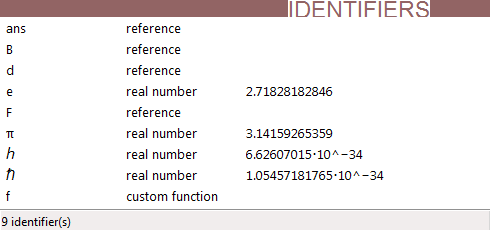
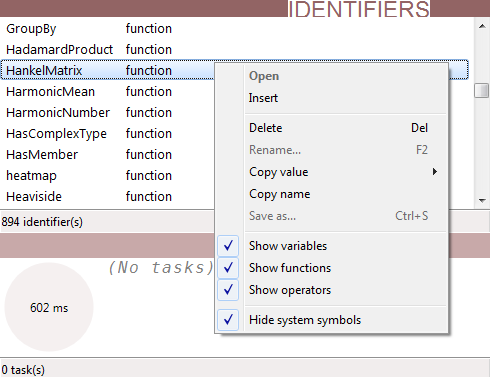
This includes variables (including constants and custom functions), system functions, and operators. By default only non-system variables are shown, but this can be changed using the context menu:
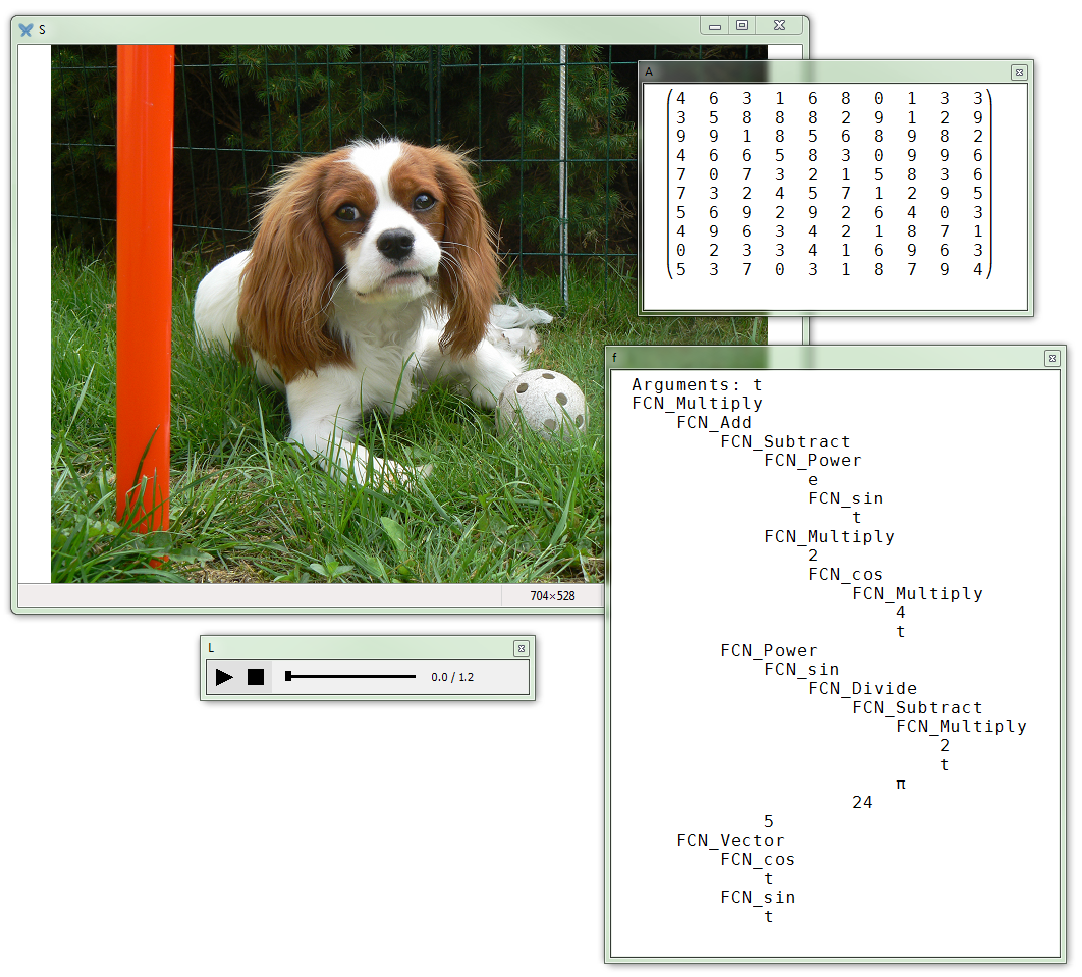
By double-clicking a variable, its value is displayed in a console window, a diagram viewer, an image viewer, or a sound player depending on the type of the variable. A custom function is displayed as its AST.
Similarly, saving a variable will display a Save dialog of the appropriate type.
Keyboard interface
| Shortcut | Description |
|---|---|
| F2 | Renames the selected identifier |
| Del | Removes the selected identifier(s) |
| Ctrl+C | Copies the value to clipboard |
| Ctrl+S | Saves the value to file |
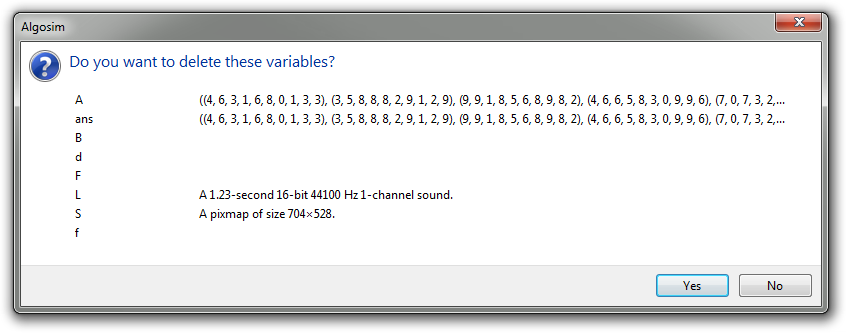
You can select any number of variables and chose to delete these. You get a confirmation dialog box before anything is actually deleted: