Program editor
The Program editor is used to edit Algosim programs.
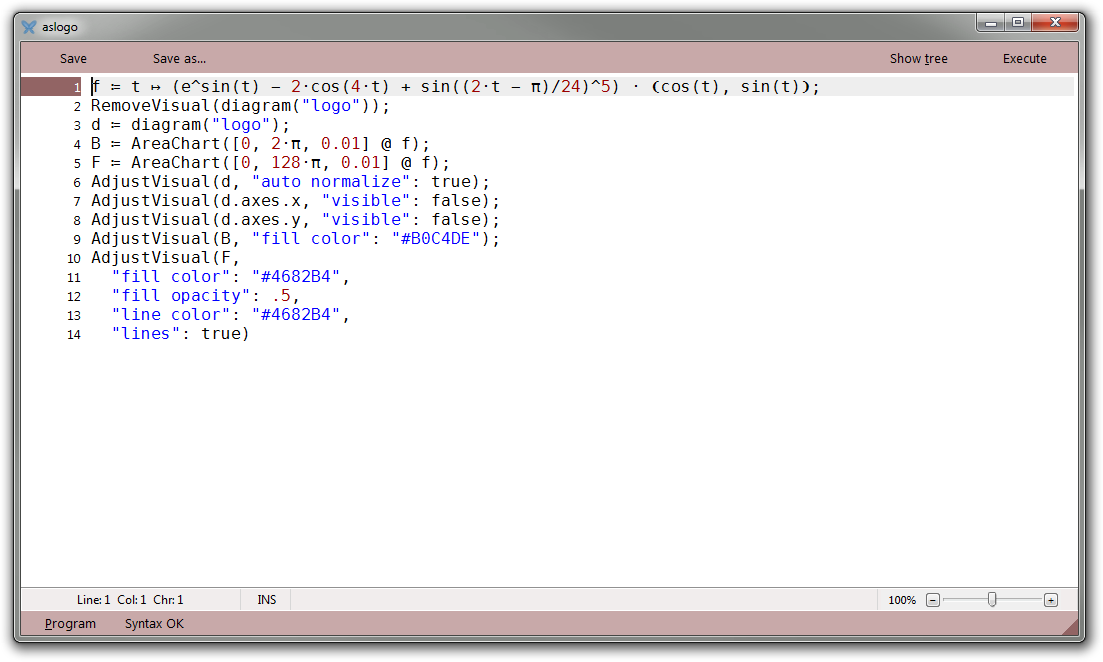
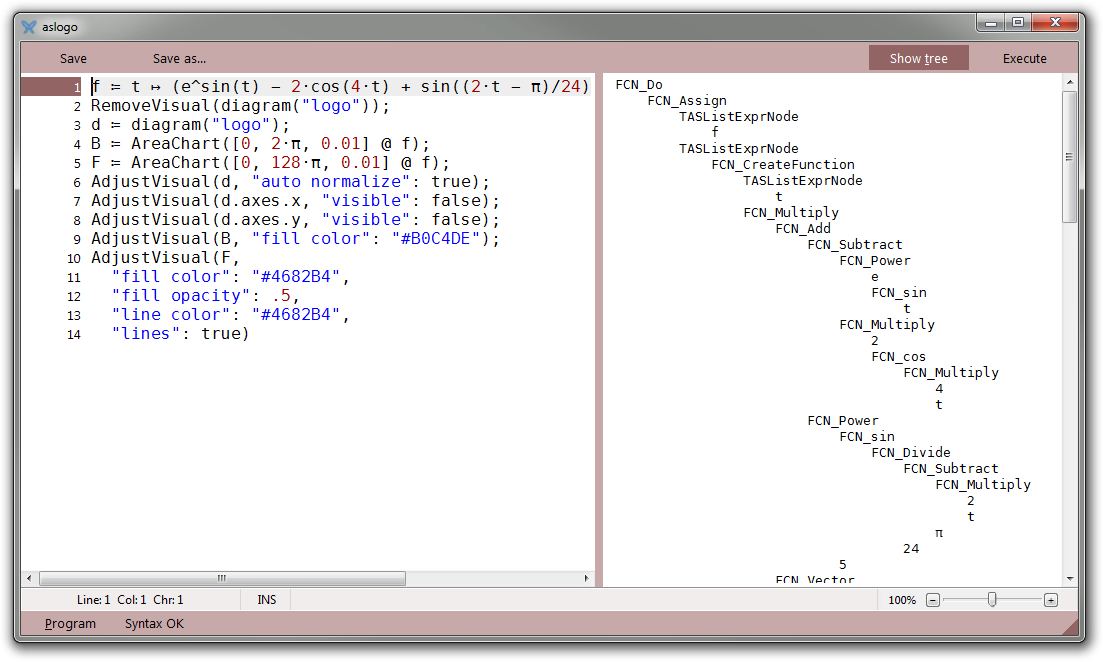
You can display the program’s AST while editing the program:
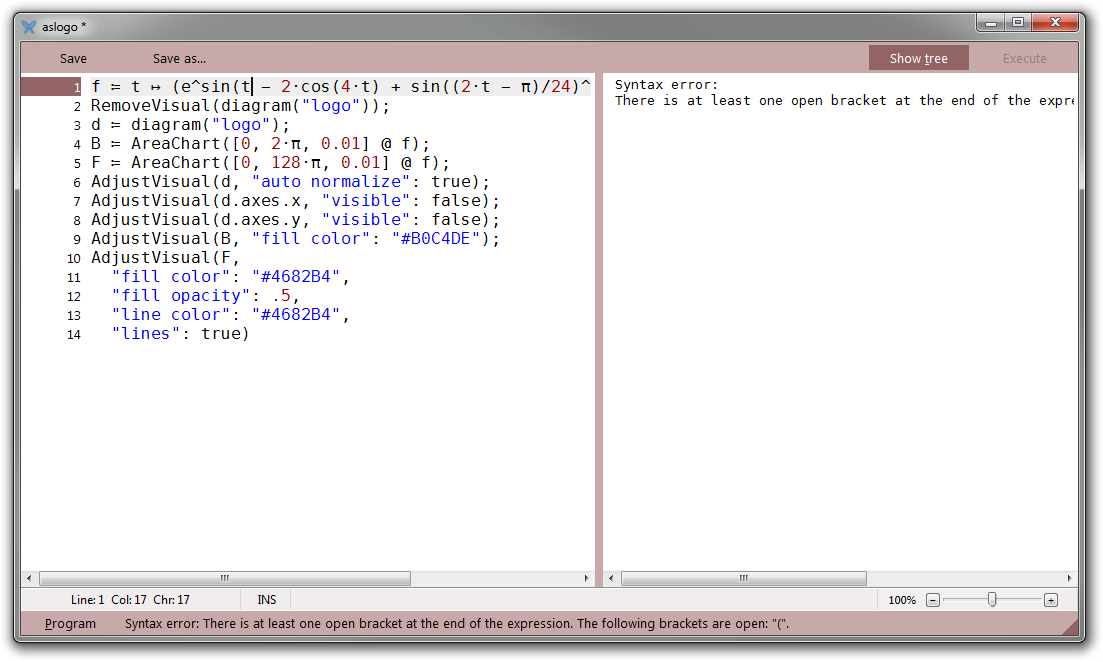
Syntax errors are detected in real time:
Keyboard interface
| Shortcut | Description |
|---|---|
| Ctrl+S | Saves the program |
| Shift+Ctrl+S | Saves the program using a new file name |
| Ctrl+Enter | Executes the program |
| Ctrl+Shift+Space | Indents the selected lines(s) |
| Ctrl+Shift+Backspace | Unindents the selected line(s) |