scene
Sets the current scene.
Syntax
-
scene() -
scene(S)-
Sis a non-empty string
-
Description
scene(S) sets the current scene to the one named S; if there is no scene named S, a new scene with this name is created.
All subsequent 3D visualization operations will take place in this scene.
A reference to the scene is returned.
scene() instructs the front-end to put each new 3D object in its own, newly created, and temporary scene. It is not possible to add other objects to this scene later on.
A named scene can be displayed either docked in the main IDE window or floating in its own window. By right-clicking the scene, you can detach a docked scene or dock a detached scene:
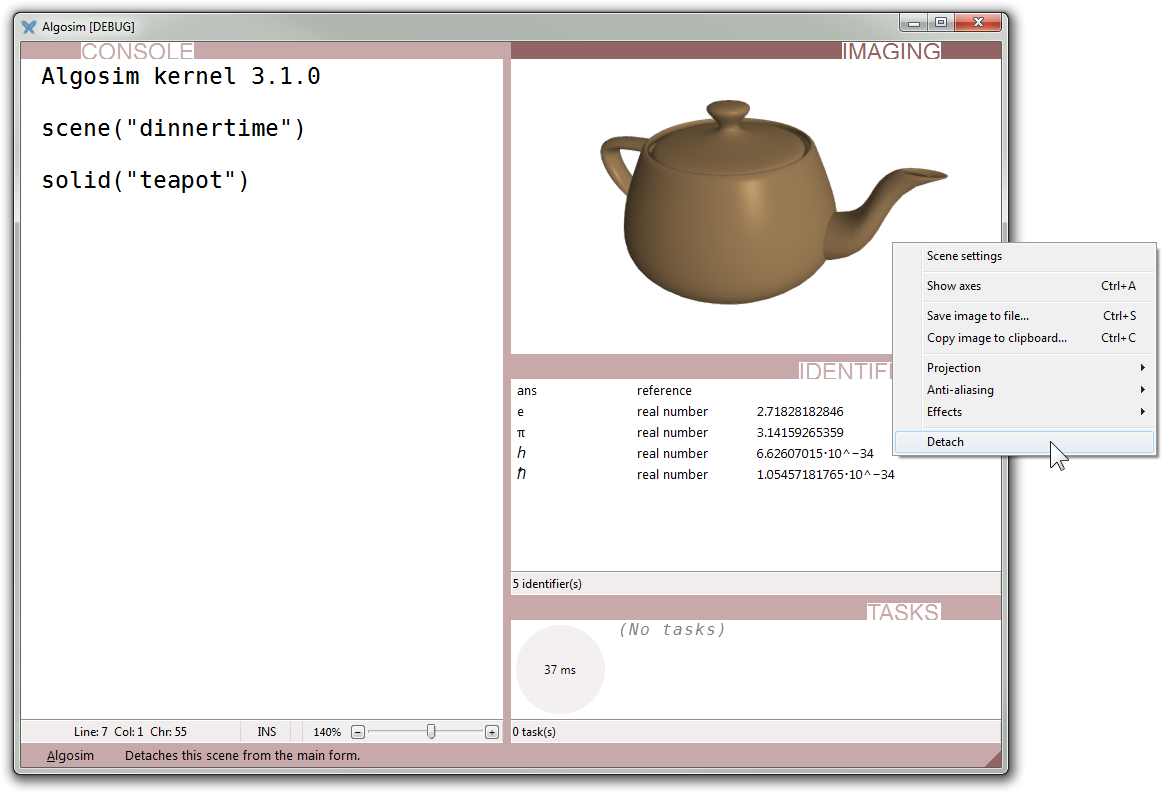
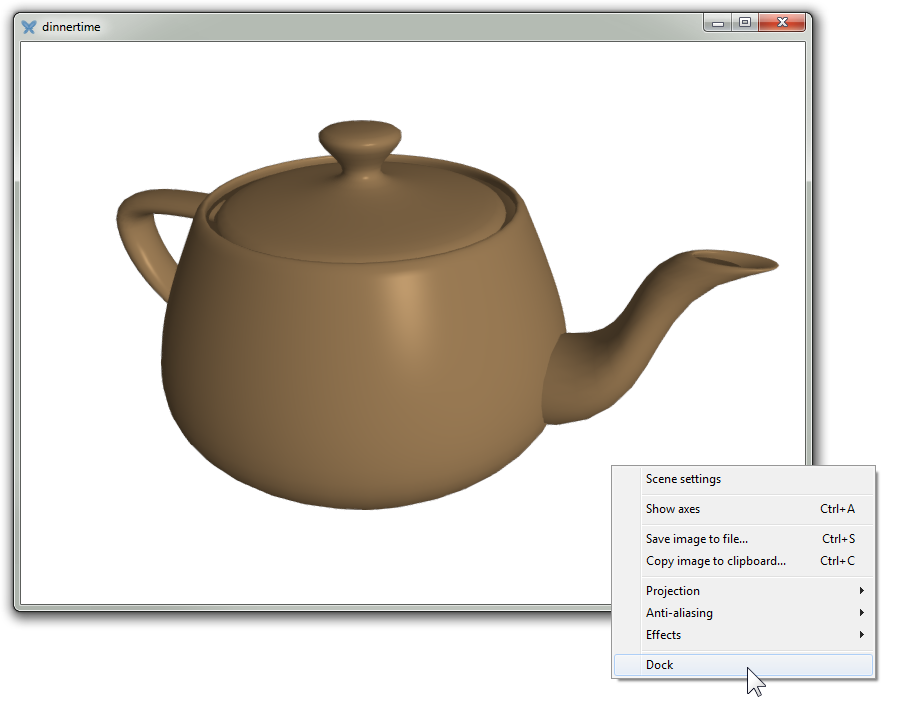
Closing the scene viewer will not destroy the scene, but only hide the window; it can later be reopened using the Window manager or, in the case of a named scene, the scene function.
To discard a scene (and regain computer memory), close the window while the Shift key is depressed. (For instance, hold down the Shift key and click the cross titlebar button.)
See also
-
diagram (2D counterpart)